
Unlock Greater Productivity with Microsoft Copilot
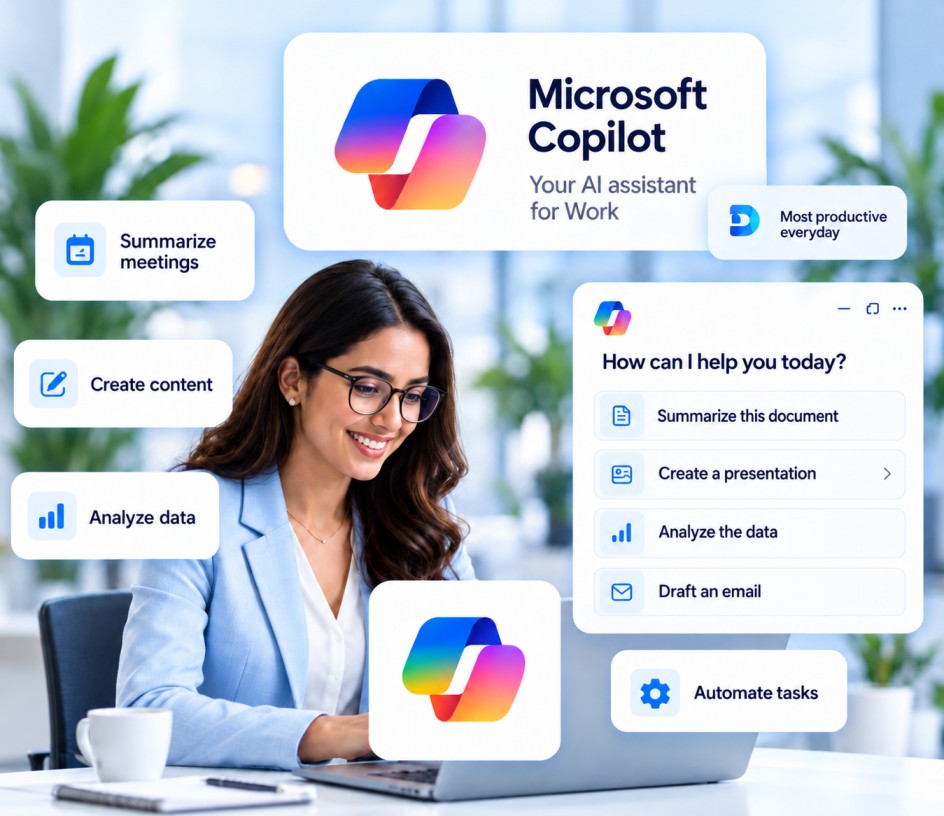
Bring the power of AI to your everyday work. We help you plan, implement, and optimize Microsoft Copilot to enhance productivity, streamline workflows, and unlock new possibilities for your business.
Trusted by Over 100 Million
Users Globally


.png)


Our Microsoft Copilot Services
End-to-end services to help you successfully adopt and scale Microsoft Copilot.
Strategy & Readiness
Assess your business needs, identify use cases, and create a Copilot adoption roadmap.
Learn More →Implementation & Setup
Configure and deploy Microsoft Copilot with best practices for your environment.
Learn More →Use Case Development
Identify and build customized Copilot solutions for your teams and processes.
Learn More →Integration with Microsoft 365
Seamlessly integrate Copilot with Outlook, Teams, Word, Excel, PowerPoint, and more.
Learn More →Security & Governance
Implement policies, data protection, and governance for responsible AI usage.
Learn More →Training & Change Management
User training, adoption support, and continuous guidance to drive success.
Learn More →Why Microsoft Copilot?
Empower your teams with an AI assistant that understands your work, helps you get more done, and drives innovation across your organization.
Explore Copilot Solutions →Boost Productivity
Get more done in less time.
Enhance Creativity
Generate ideas and high-quality content.
Improve Decision Making
Turn data into actionable insights.
Simplify Workflows
Automate routine tasks and focus on what matters.
Our Copilot Implementation Process
A structured approach to ensure a smooth and successful Copilot adoption.
Discover & Assess
Understand your business goals, current environment, and opportunities.
Plan & Design
Create a tailored Copilot strategy and implementation roadmap.
Implement & Configure
Set up, integrate, and customize Copilot for your business.
Train & Enable
Provide user training and change management.
Support & Optimize
Provide ongoing support, monitoring, and continuous improvements.
Microsoft Copilot Use Cases
Real-world applications to drive value across departments.
Marketing
Create content and campaigns.
Sales
Summarize meetings and draft proposals.
HR
Simplify hiring and employee support.
Finance
Analyze data and generate reports.
IT
Automate support and documentation.
Operations
Streamline processes and track tasks.
Works Across Microsoft 365 Apps
Leverage Copilot across the tools your teams already use.

Outlook
Email & Calendar
Teams
Meetings & Collaboration

Word
Document Creation

Excel
Data Analysis

PowerPoint
Presentations

OneNote
Notes & Knowledge

Why Choose Encaptechno for Microsoft Copilot?
- Certified Microsoft Experts
- Customized Copilot Strategy for Your Business
- End-to-End Implementation & Support
- Proven Track Record Across Industries
- Focus on Security & Responsible AI
- User Training & Adoption Support
- Long-Term Partnership
Frequently Asked Questions
Find quick answers to common questions about our Microsoft Copilot services.
What is included in Microsoft Copilot implementation?
A typical engagement covers a readiness assessment of licensing, data and permissions, use-case prioritization, configuration and deployment across your Microsoft 365 environment, security and governance setup, a pilot rollout, and user training with adoption support.
Which Microsoft 365 apps does Copilot work with?
Copilot works across Outlook, Teams, Word, Excel, PowerPoint, and OneNote, along with other Microsoft 365 experiences depending on your licensing. We help you prioritize the apps where Copilot will deliver the most value for your teams.
How do you ensure data security and compliance?
Copilot respects your existing Microsoft 365 permissions, so we start by reviewing access rights, sensitivity labels, and data-loss-prevention policies. We then put governance and responsible-AI usage policies in place before rollout and help you monitor usage afterwards.
Do you provide training for our team?
Yes. We offer role-based workshops, practical prompt-writing guidance, champion programs, and adoption resources so every team can use Copilot confidently in their daily work.
Can Copilot be customized for our business?
Yes. Beyond the built-in capabilities, we can build custom agents and extensions with Copilot Studio, connect relevant business data sources, and create prompt libraries tailored to your teams and processes.
What industries do you work with?
We work with organizations across healthcare, finance, manufacturing, education, retail and e-commerce, logistics, and professional services, adapting Copilot use cases to each industry's workflows and compliance needs.
How long does a typical implementation take?
It depends on your organization's size and readiness. A focused pilot often takes a few weeks, while an organization-wide rollout with governance and training can take a few months. We share a clear timeline after the initial assessment.
Do you offer ongoing support after implementation?
Yes. We provide ongoing support including usage monitoring, configuration optimization, new use cases as Microsoft releases features, and help-desk assistance for your users.

Consult
Get expert advice for your business needs.

Implement
Turn strategy into real solutions.

Support
Stay ahead with ongoing assistance.
Let’s Build a Smarter Tomorrow, Together!
Take the first step towards innovation and growth. Our experts are here to help you find the right solution.

Get in Touch
Tell us about your needs and we'll get back to you shortly.
Want to reach out directly?
Connect with us easily through email or phone for quick support.

